Estimate a recording storage allocation
Multiply declared daily volume, device count and days while keeping usable capacity and actual recording behaviour separate.
Updated:
State what the allocation is intended to represent
A storage allocation is a planning calculation based on declared inputs. It is not a test of how long a camera will retain footage. Begin by naming the assumed daily recording volume per camera, the number of cameras and the arithmetic horizon. Keep the recording mode and source of the rate beside the inputs. If the rate is an invented example, say so instead of presenting it as a manufacturer specification.
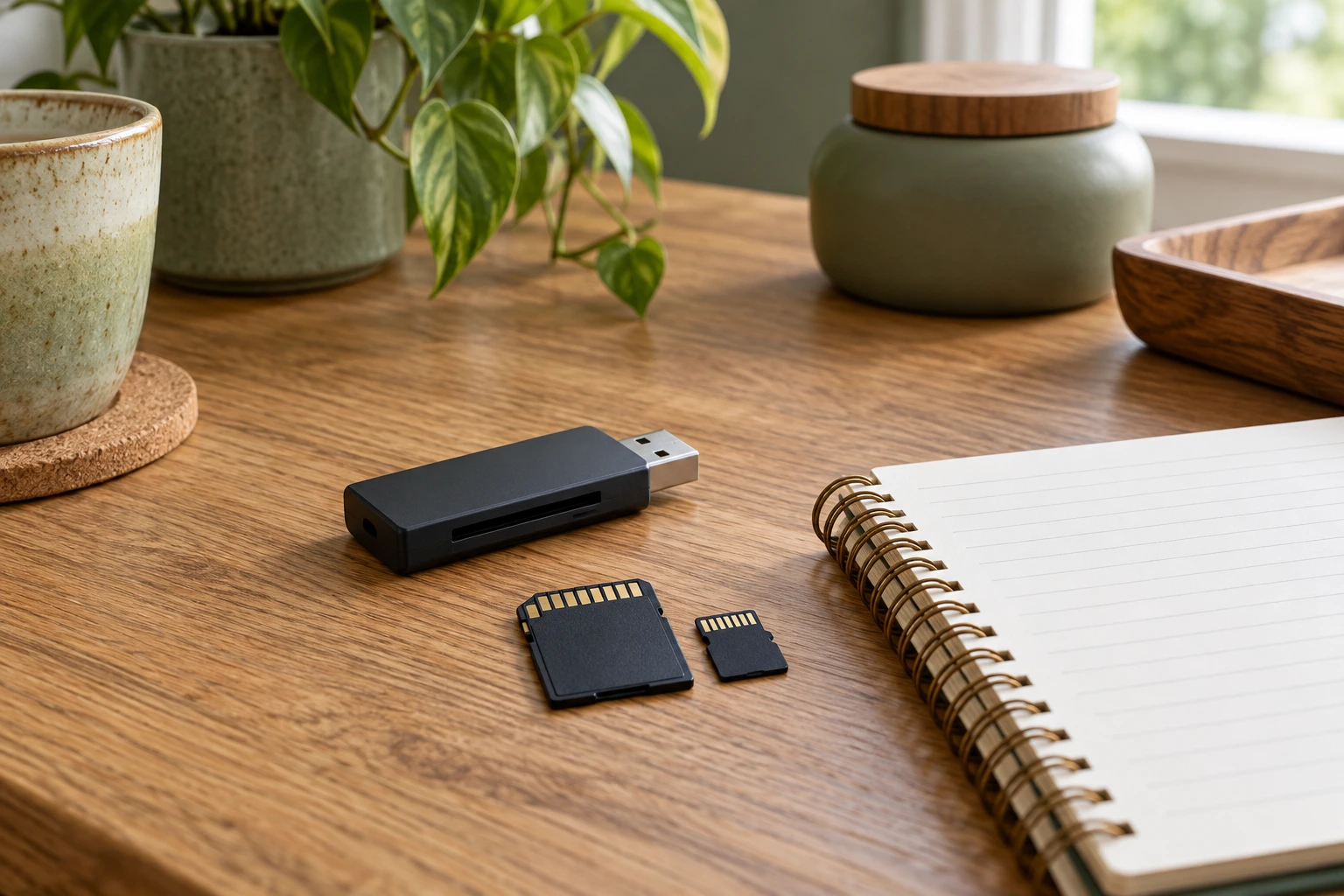
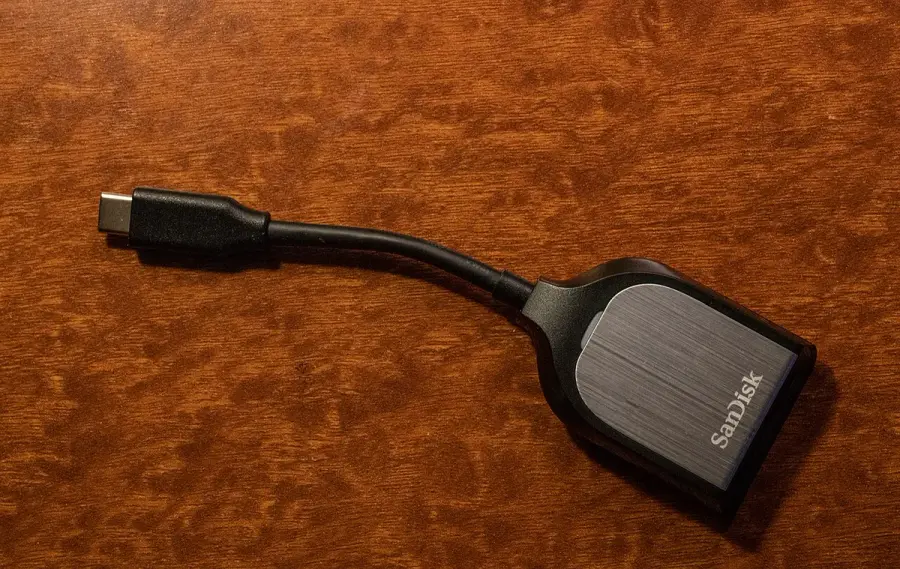
The external SD-card reader photograph illustrates equipment used to read a separate medium. It is not a microSD card, a recommended accessory or evidence of usable capacity. A product photograph cannot supply the volume or compatibility information missing from a storage plan.
Calculate every intermediate value
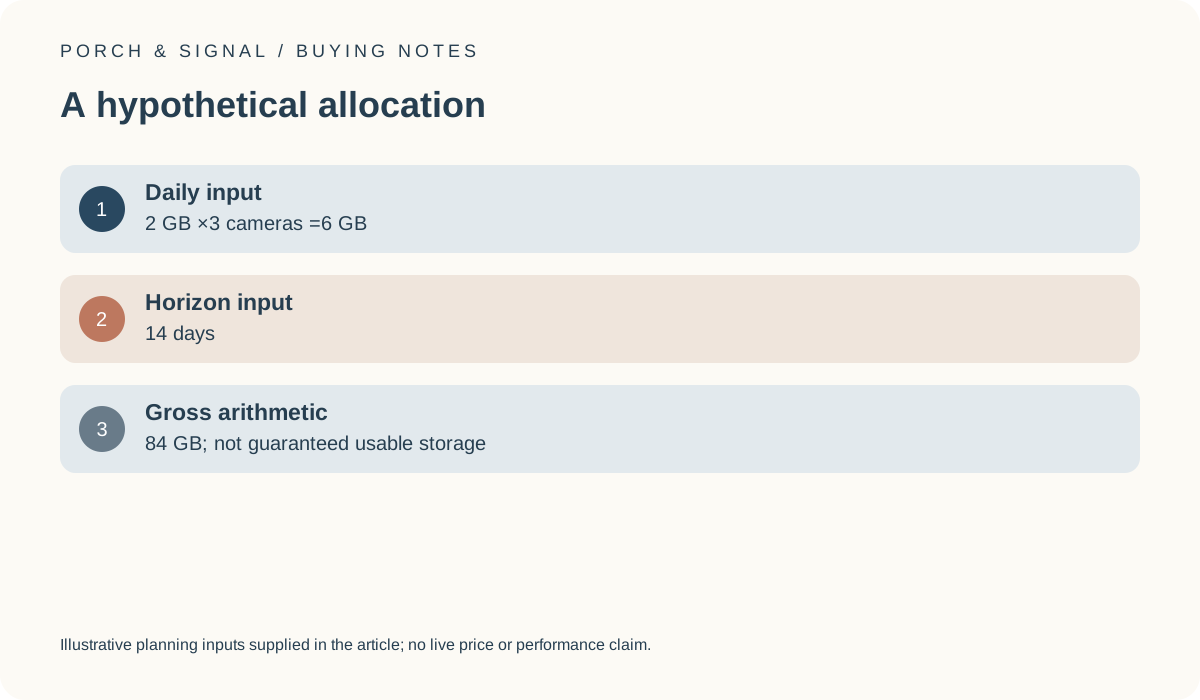
Assume, hypothetically, 2 gigabytes per camera per day and 3 cameras. That gives 6 gigabytes per day. Over an invented arithmetic horizon of 14 days, the gross allocation is 84 gigabytes. These are declared example inputs, not observed recording sizes or a recommendation about keeping footage for 14 days. Our storage-allocation tool performs exactly this multiplication.
If the assumed rate doubles while the other inputs remain unchanged, the arithmetic allocation doubles too. That relationship is a property of the formula, not proof of actual recording behaviour. Keep intermediate and final values visible so that a change in camera count is not accidentally applied to only part of the calculation.
Do not equate nominal capacity with guaranteed history
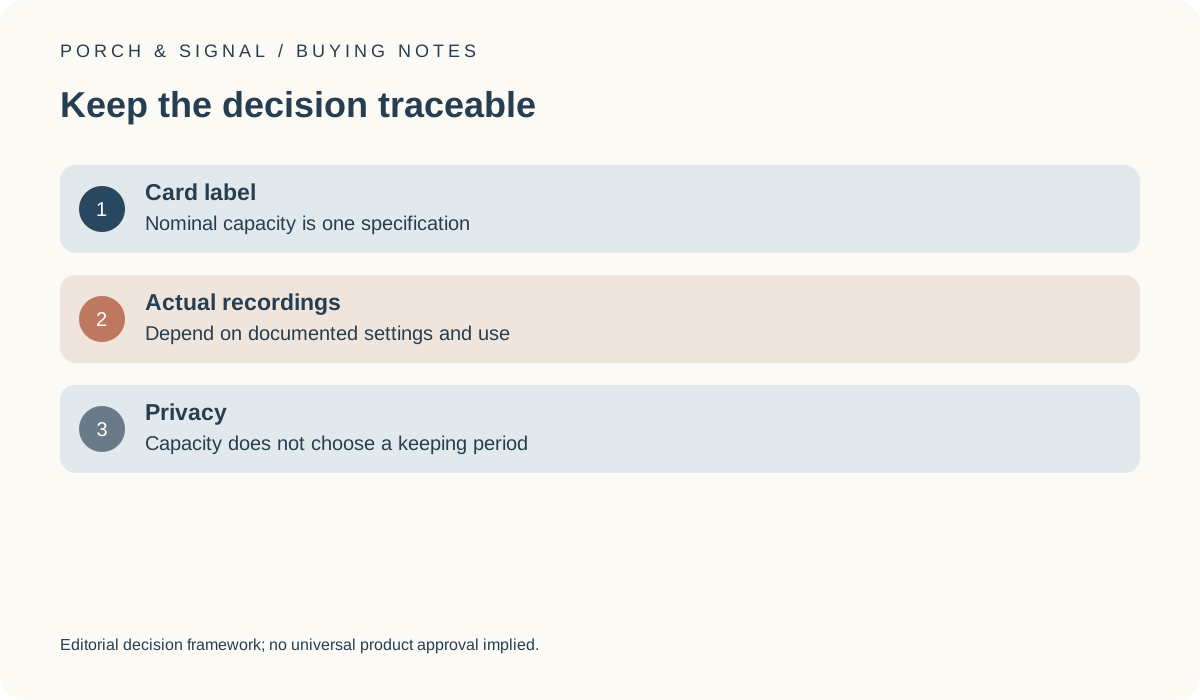
A capacity label is one specification of a storage product. It does not establish the amount of footage available under every recording mode or the behaviour of a camera when space is used. Obtain the exact model’s supported-media and recording information before comparing a card or recorder with the allocation. Do not assume compatibility from approximate size or a broadly advertised storage label.
TP-Link’s UK C120 page provides a named example with a stated microSD option. Its maximum supported capacity is not a promise of a fixed number of days for every use. The archival camera pictured here is a different device and cannot establish the candidate’s slot, supported media or recorded file size.
TP-Link UK: Tapo C120 product information ?
Keep connection and privacy decisions outside the formula
A network requirement and a local-capacity requirement are different conditions. The router photograph identifies separate connection equipment but cannot establish data rate, compatibility or the storage route used by a camera. Likewise, choosing a large enough arithmetic allocation does not establish that the proposed recording purpose or duration is appropriate.
The ICO home-CCTV guidance is the official UK reference for applicable recording responsibilities. This calculator does not choose a lawful retention period, approve recording beyond a boundary or certify privacy. Keep those questions in their own review rather than treating a successful multiplication as evidence that the entire arrangement is suitable.
Save assumptions so the estimate can be improved
Retain the rate, device count, day input and checked product information with the result. If actual observations later provide a better daily-volume basis, update the rate and repeat the arithmetic. Do not describe a hypothetical allocation as measured capacity or a product benchmark. A useful worksheet remains honest about the difference between its inputs and the real system.
Before buying media, verify the exact compatibility requirements and the actual quote. A nominal capacity apparently exceeding the example total is not enough to establish reliable operation or a guaranteed history. The final decision should state what is known, what is assumed and which operational or privacy questions still need evidence.