Decide who needs camera account access
Review authorised users, role scope and ongoing administration instead of treating one shared login as the default.
Updated:
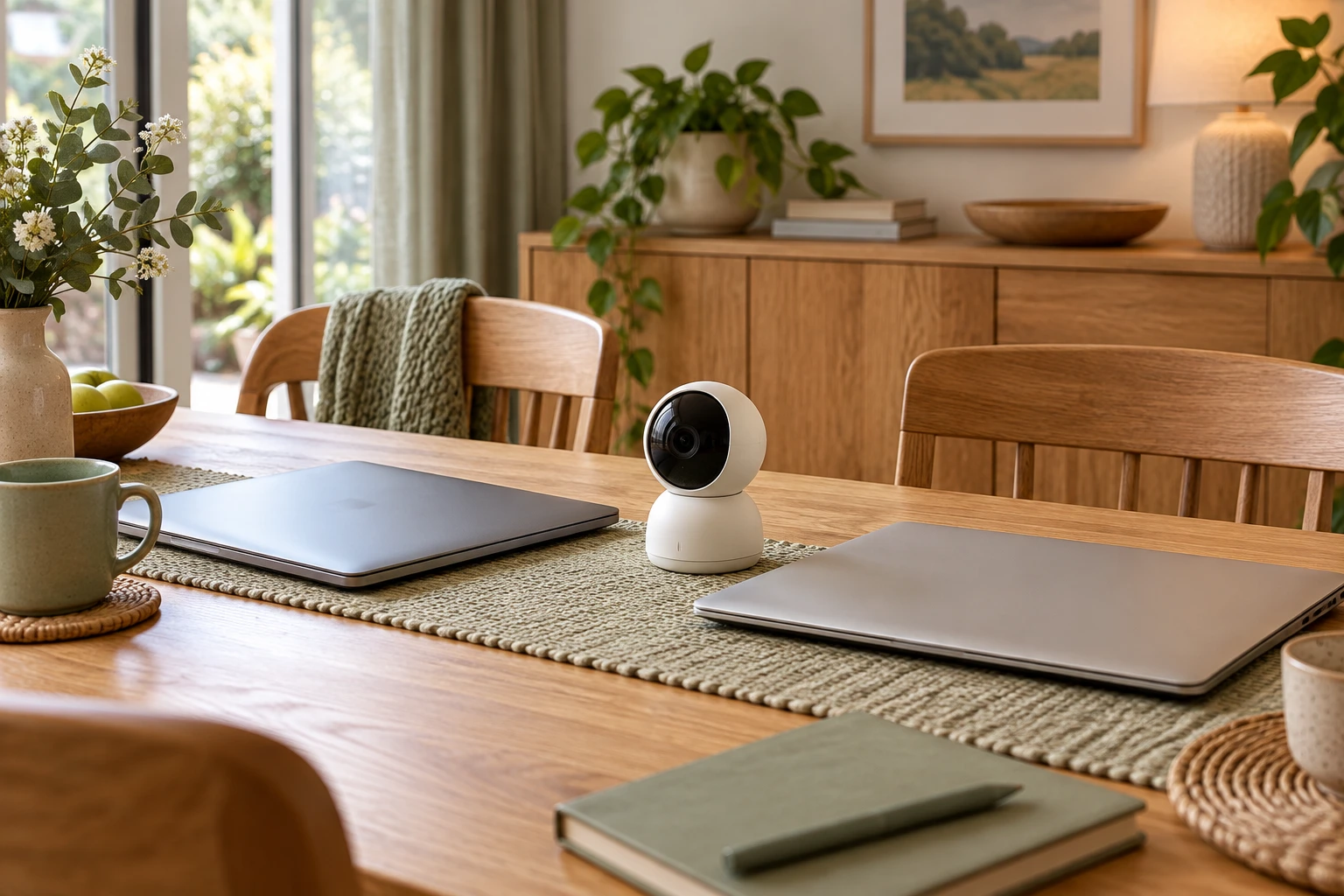
Begin with the people who have a legitimate need
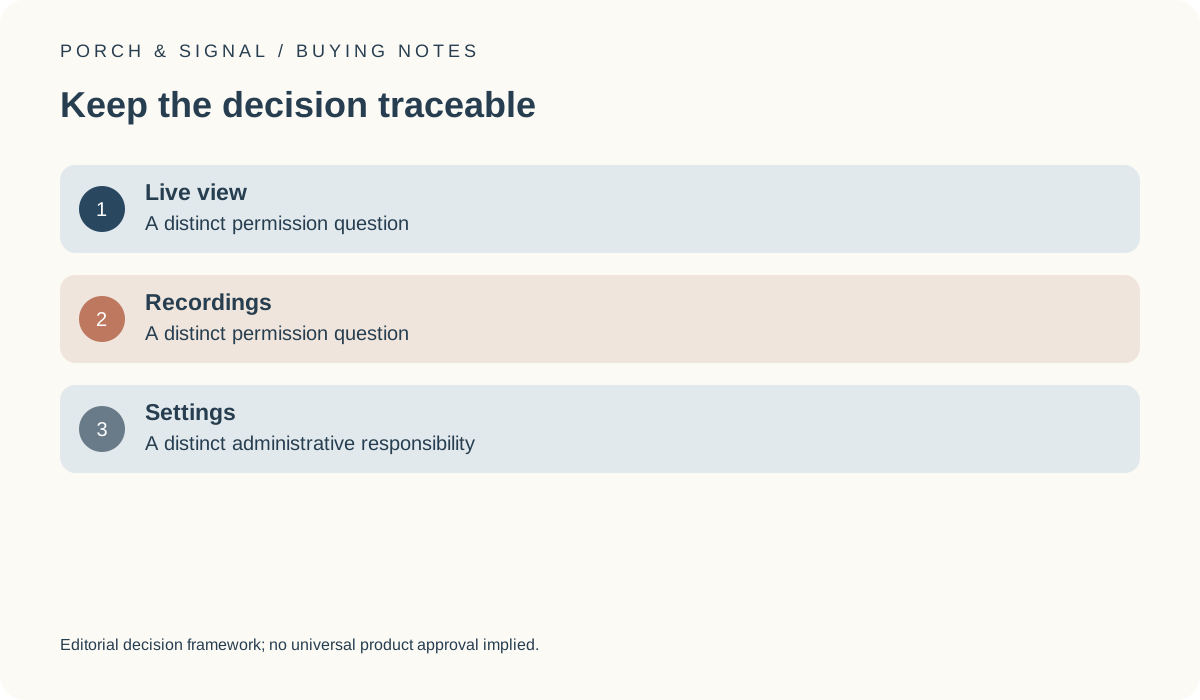
Identify the authorised owner and the other people who genuinely need access to the camera or its recordings. Keep viewing, recording access and settings administration as separate questions where the product supports that distinction. Review the exact manufacturer’s available roles rather than sharing an owner credential merely because it appears convenient. The appropriate arrangement depends on the actual household task and documented controls.
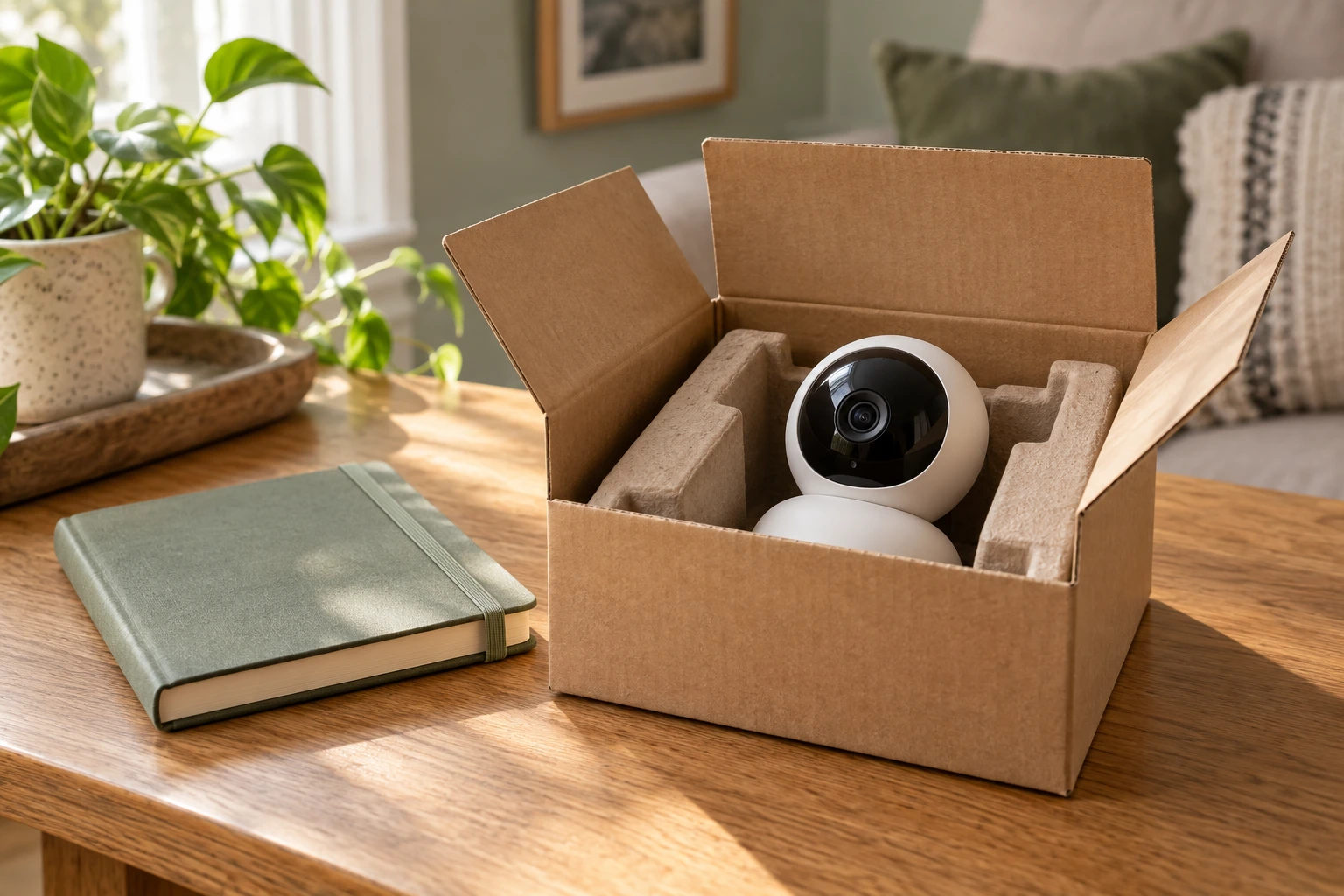
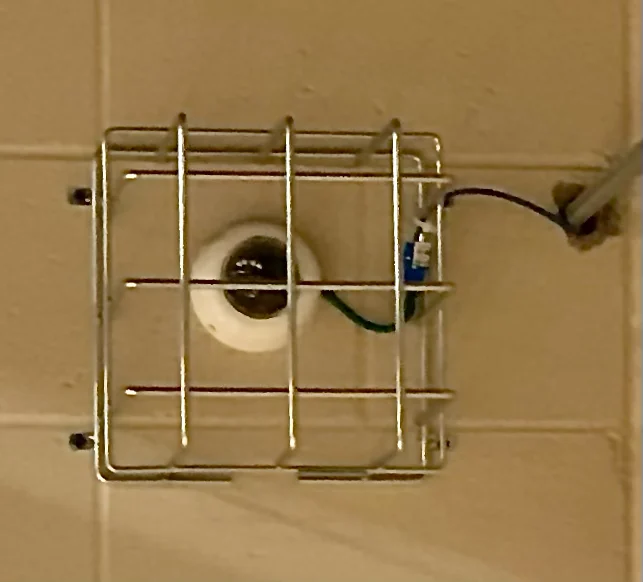
The archival camera image is physical context only. It cannot show who controls the connected account or what permissions a current product supports. A useful buying record names the roles and purpose without publishing passwords, private footage or other sensitive account details.
Count administration as part of ownership
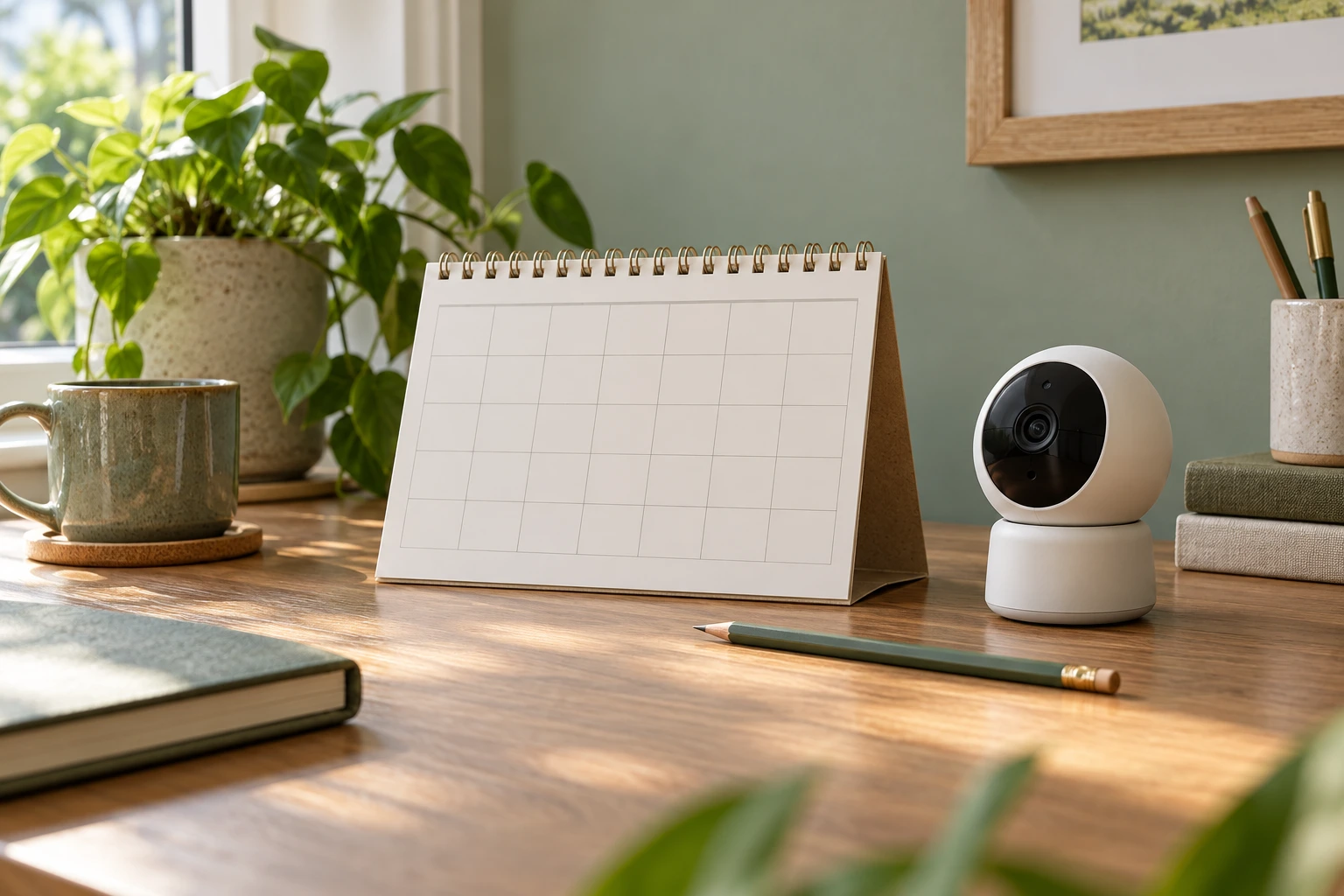
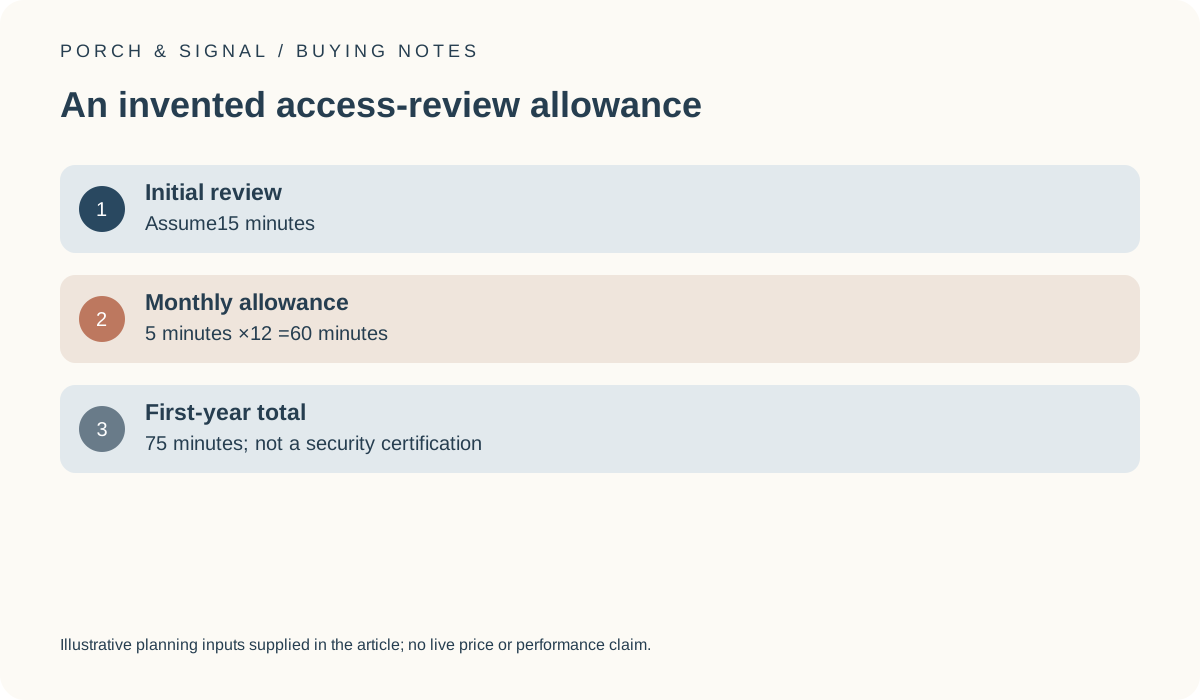
For an invented allowance, assume an initial review takes 15 minutes and a monthly review takes 5 minutes. Across 12 months that is 60 recurring minutes, giving a first-year total of 75 minutes. These are hypothetical personal time inputs, not measured account-management time, a mandatory interval or proof of sufficient security. A different household may need a different process.
The calculation makes ongoing work visible instead of implying that accounts require no attention after setup. Our monthly-check tool can multiply declared time assumptions, but it does not choose appropriate permissions or certify a review process. Keep any actual manufacturer requirements and significant changes separate from the illustrative routine.
Read the supported roles rather than inventing them
Find the exact product’s information about inviting, managing or removing authorised users. Do not assume that every camera supports the same role names or that a permission works identically across different services. If a feature needed by the household is undocumented or unclear, keep it unresolved before purchase. An app screenshot from another model cannot fill the gap.
The NCSC smart-device guidance is relevant to reviewing settings and maintaining connected devices. It does not establish the complete permission model of a particular camera. Avoid promising that a chosen role prevents every misuse or compromise. The buying question is whether the documented controls support a clear, manageable arrangement for the authorised people involved.
UK NCSC: Smart devices in the home ?
Keep recording responsibilities beside the access choices
Read the current ICO home-CCTV guidance for the actual recording use. Account convenience does not determine whether capture, retention or sharing is appropriate. A person who can technically view a clip should not be assumed to have a reason to receive every recording. Keep the intended access purpose narrow and avoid treating a broad owner role as a universal sharing permission.
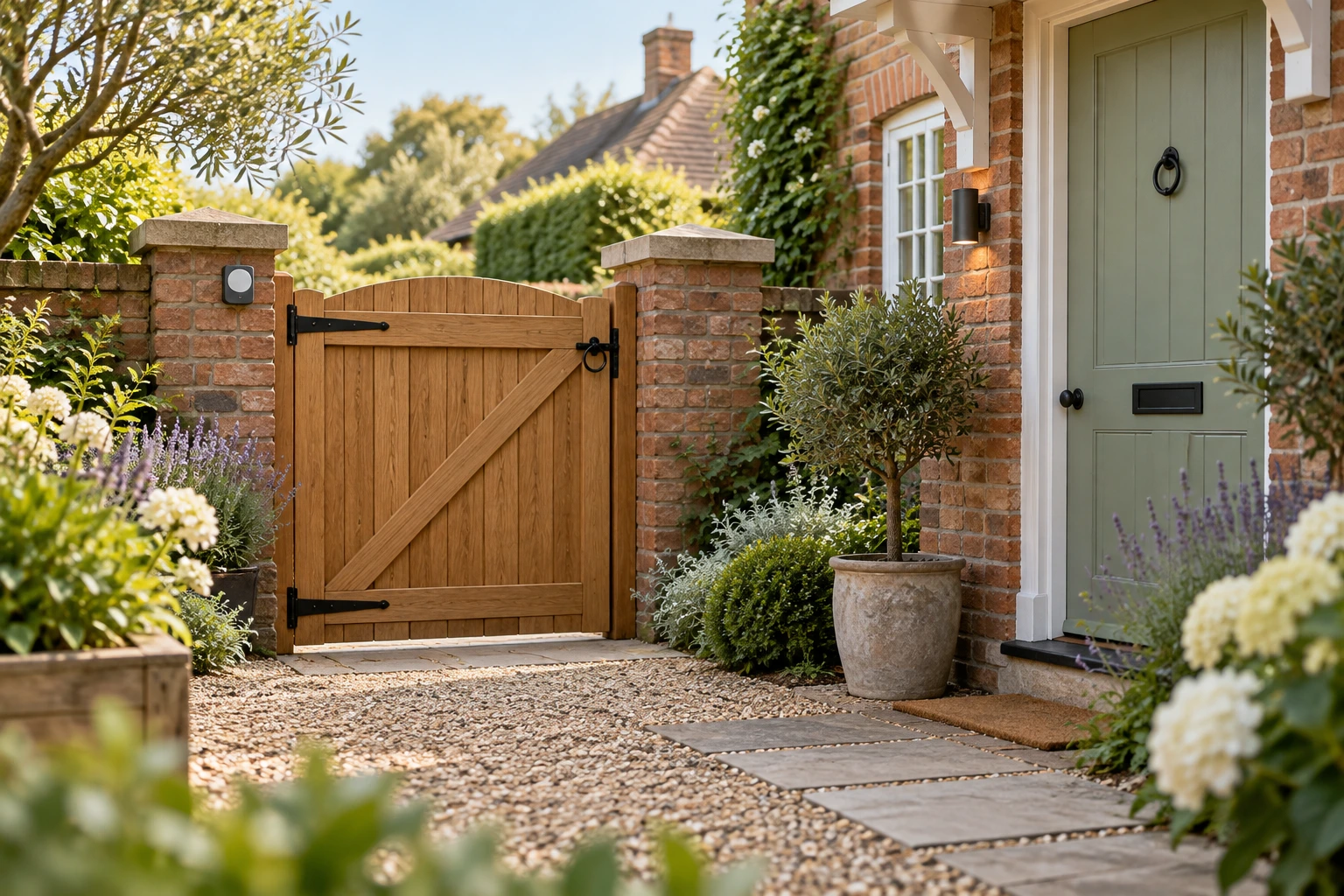
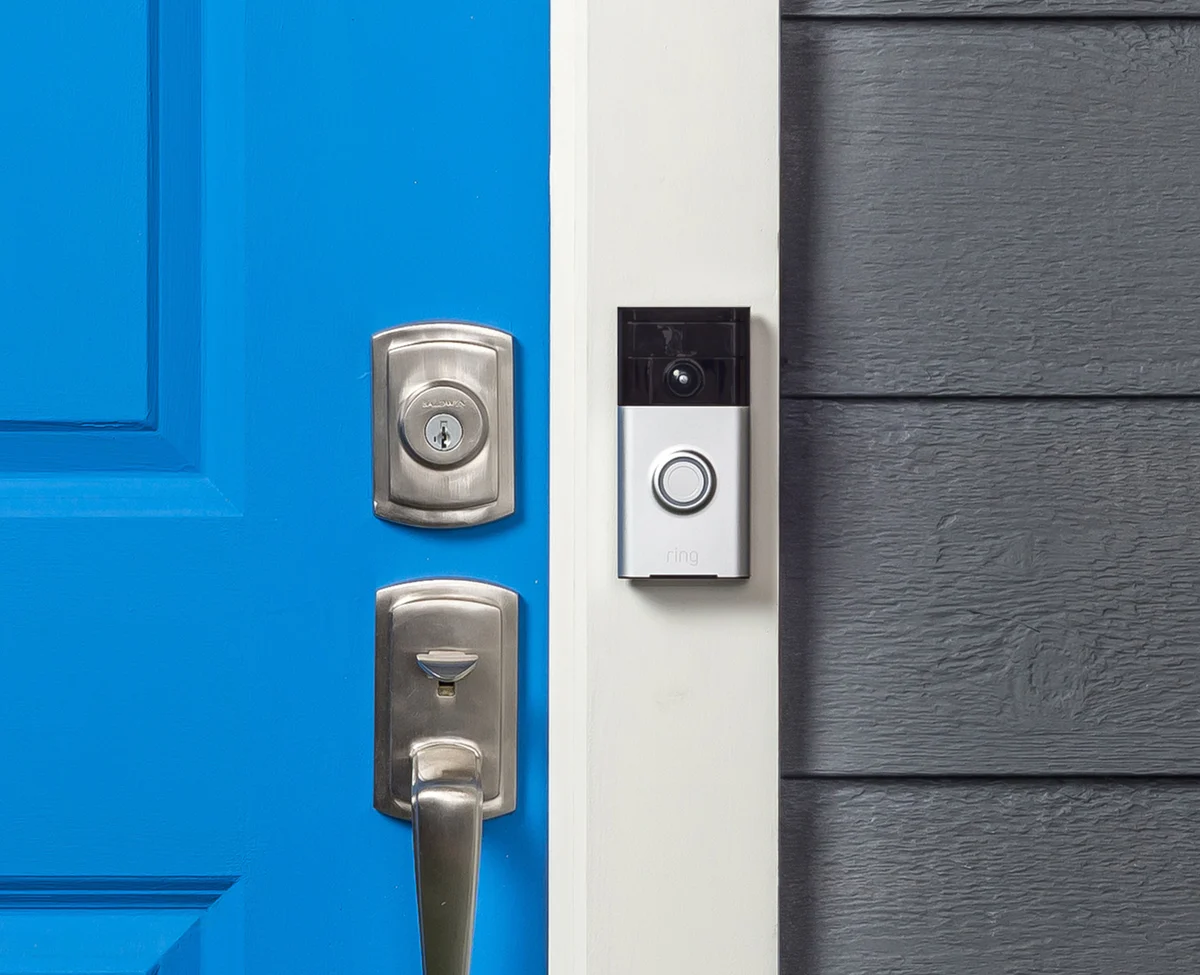
The doorbell photograph illustrates another possible recording source whose users and purpose may differ from a separate camera. Review those differences explicitly rather than allowing one household login to become an unexplained shortcut across all devices. This guide does not decide an individual legal issue or provide instructions for evading a person’s rights.
Plan for ordinary changes without exposing secrets
Moves, replaced phones and changed household membership can affect access arrangements. Identify the manufacturer’s supported process for those changes and who is responsible for using it. Record the location of the instructions, not the credentials themselves. Do not publish private account details in a quotation or a public worksheet.
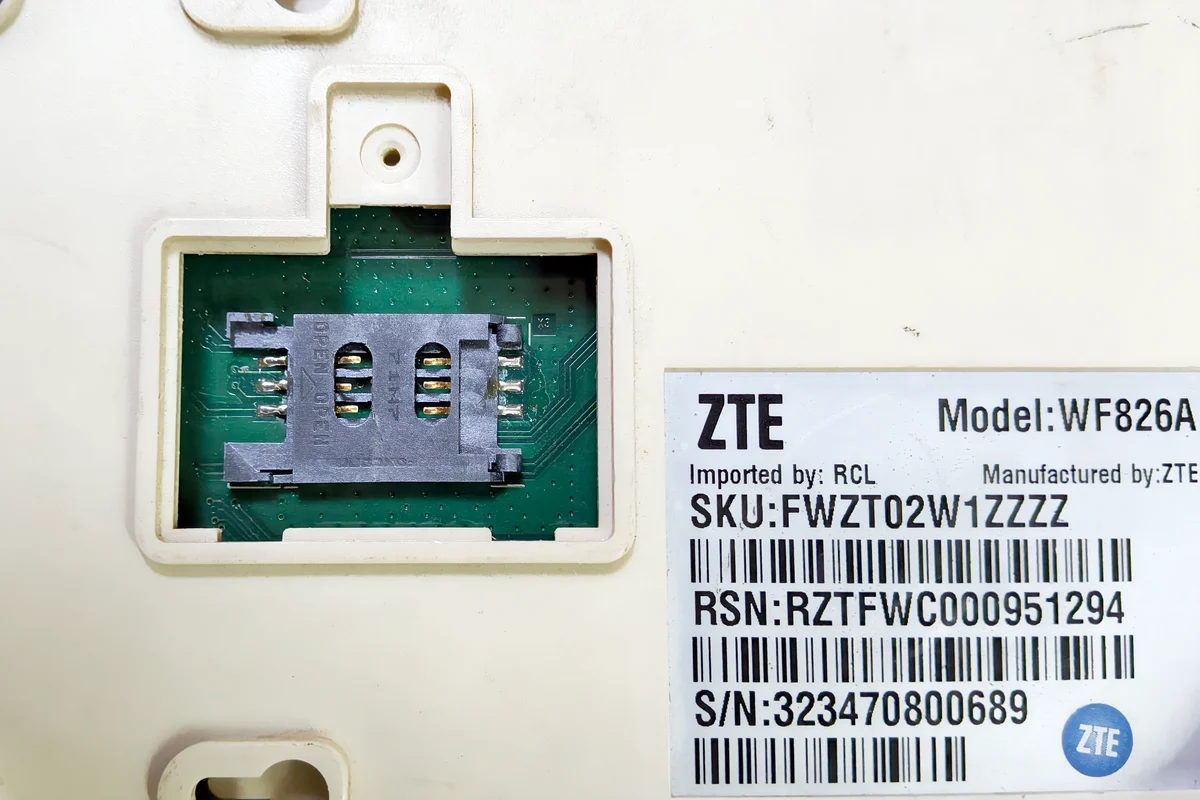
The router image is included to distinguish network equipment from camera-account permissions. A working connection does not prove that the correct people hold the right access. The final comparison should state which documented roles are needed and who will manage them, with uncertainty preserved rather than an unsupported guarantee of privacy or uninterrupted access.