Plan a private handover when devices leave
Keep hardware transfer, account ownership, recording copies and service cancellation as separate authorised tasks.
Updated:
Separate the objects and responsibilities involved
When a device is sold, given away or left as part of an authorised property handover, physical possession is only one part of the process. Identify the exact manufacturer’s transfer information, connected account ownership, associated recordings and any paid service. Keep those tasks separate rather than assuming that handing over a camera body transfers everything correctly. This guide concerns authorised ownership changes only.
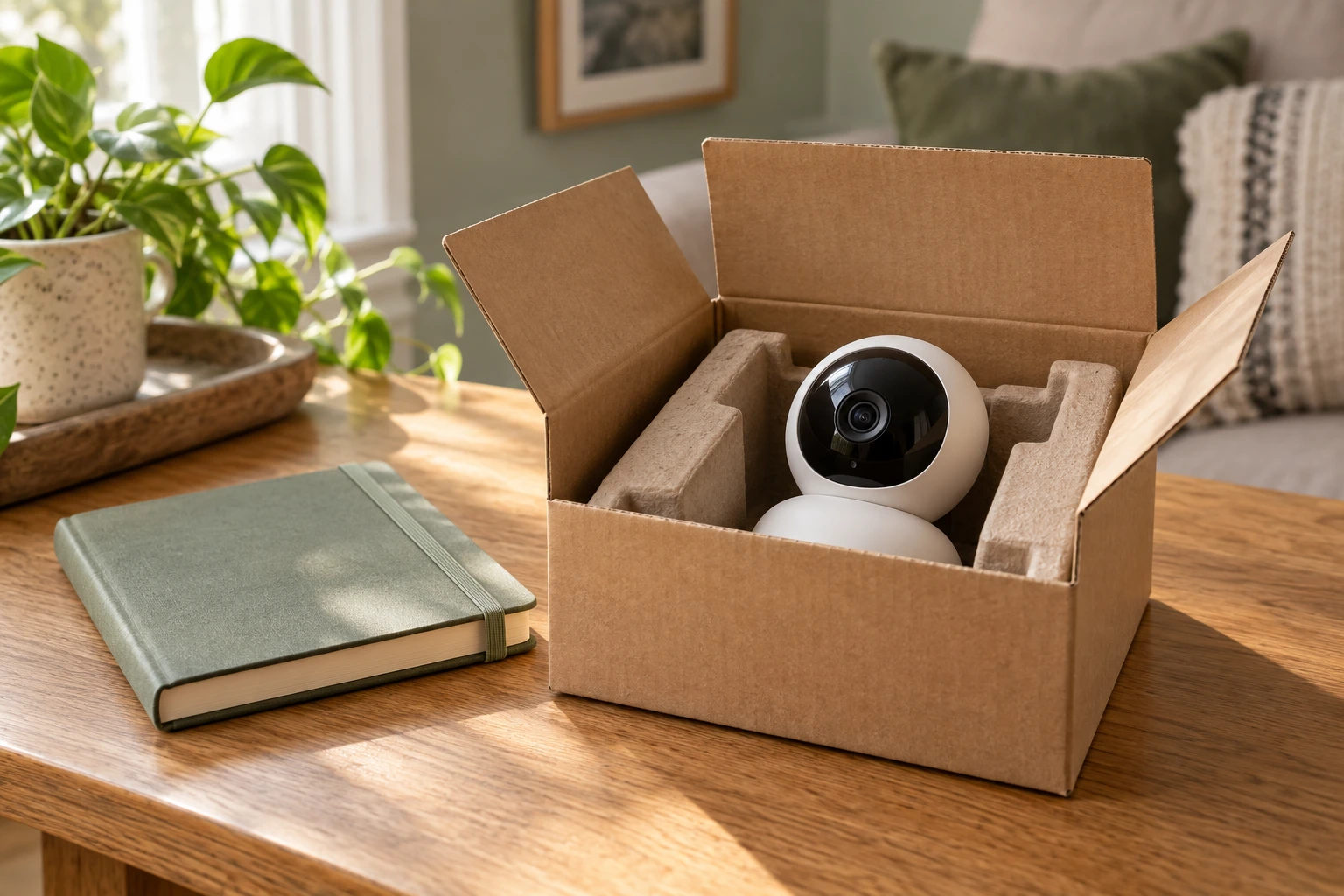
The archival camera photo illustrates physical equipment, not a completed reset or account-transfer state. It cannot prove that recordings, shared access or subscriptions have been dealt with. A useful handover record identifies the required processes without exposing passwords, private footage or other sensitive information to an unintended recipient.
Allow time to follow the actual process
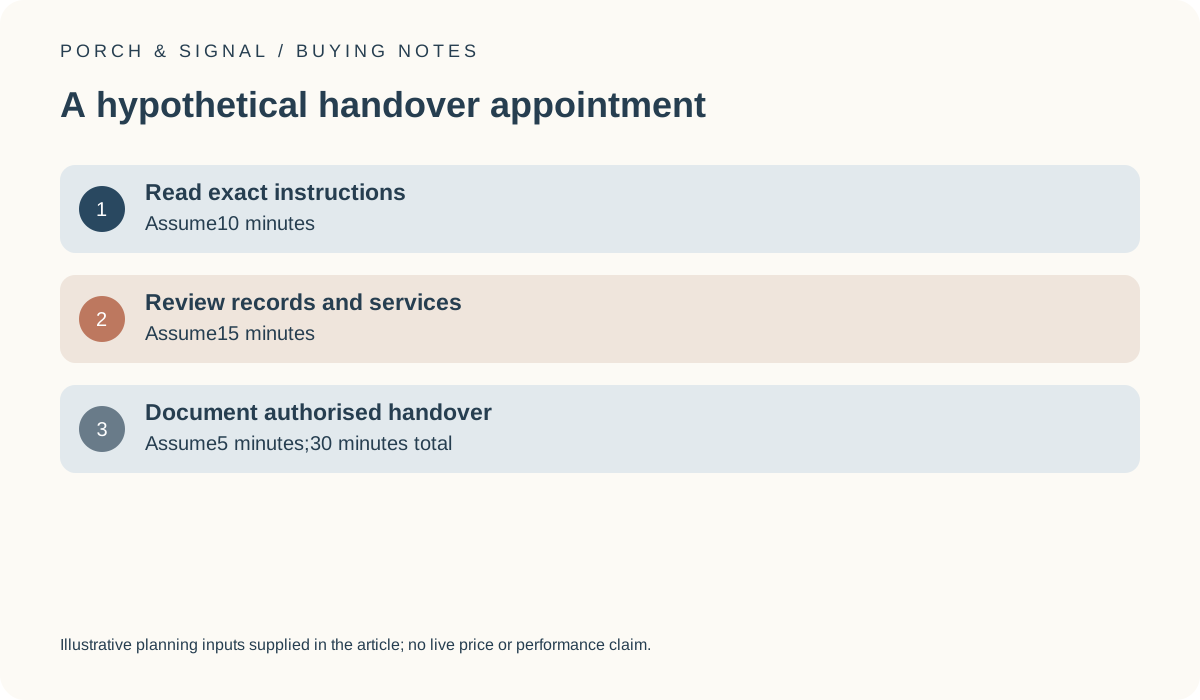
For a hypothetical appointment, allow 10 minutes to read the exact instructions,15 minutes to review records and services, and5 minutes to document the authorised handover. The total is 30 minutes. These invented allowances are not measured reset times, a required legal period or a guarantee that every system can be transferred within that time. An unresolved account or ownership question may require more work.
The point is to make the tasks visible before arranging a sale or move. Do not use the short example as a reason to skip the manufacturer’s requirements. Our monthly-check tool can help estimate personal administration time, but it does not perform a reset, remove account access or certify a complete transfer.
Read reset and transfer claims for the exact model
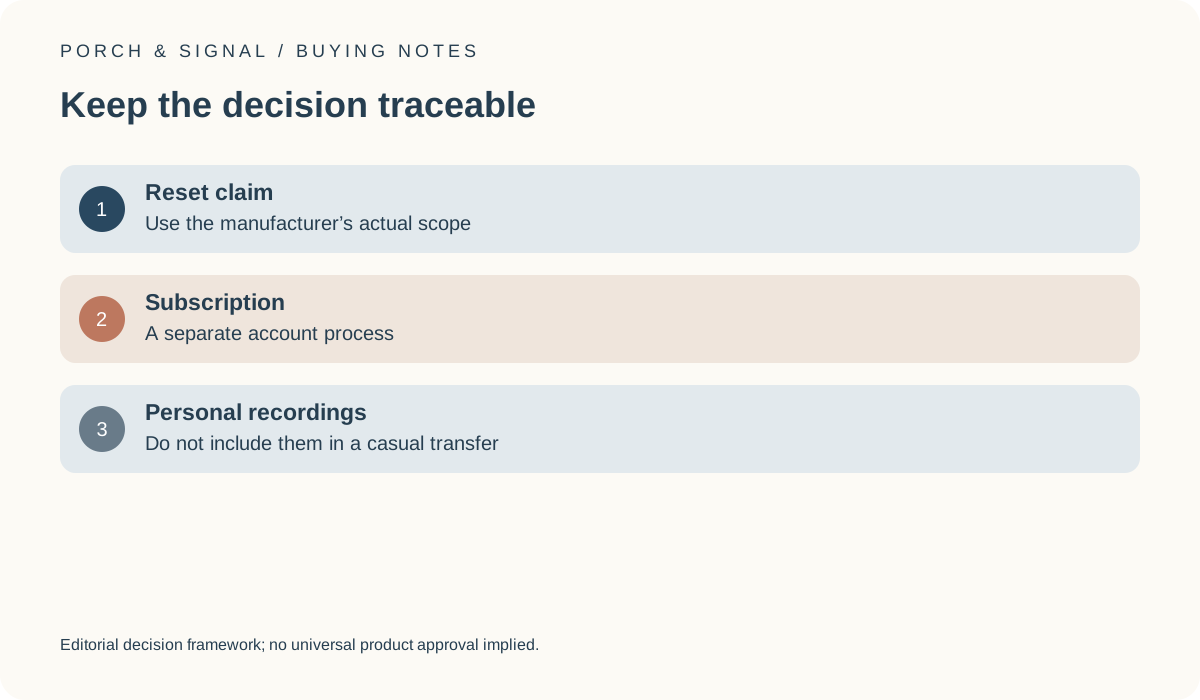
The NCSC smart-device guidance includes advice on disposing of devices and points owners towards the relevant manufacturer information. Use the actual documented process for the model and account involved. This article provides no credential-recovery, bypass or third-party access instructions. A generic reset claim should not be treated as proof that every linked service, account record or exported copy is removed.
Keep the device identity and source of the instructions with the handover record. If the ownership process is unclear, resolve it through the appropriate official route before representing the device as ready for another person. The physical camera or lock photograph cannot establish the underlying connected-account state.
UK NCSC: Smart devices in the home ?
Review personal recordings and services separately
Identify whether personal recordings or copies exist outside the device itself and what authorised action is appropriate for the circumstances. Read the applicable product, service and official guidance rather than assuming that one device operation affects every location. This guide does not advise concealing information, evading a request or destroying evidence. A dispute or unresolved legal obligation requires its own appropriate handling.
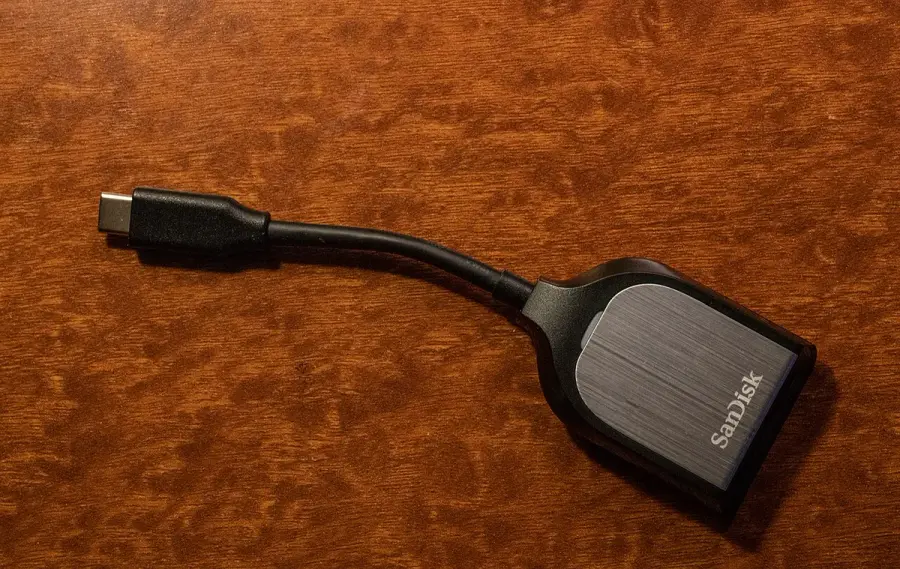
The ICO home-CCTV guidance is the official UK starting point for relevant recording responsibilities. The external reader photo illustrates separate equipment only; it does not prove that any medium is compatible or that every copy has been deleted. A paid service also needs its actual account and cancellation process reviewed independently.
Leave a limited record of an authorised transfer
Document the exact device, the official process followed and any unresolved item that prevents a complete handover. Keep secret credentials and private recordings out of a public sale listing or general worksheet. A new owner should not have to rely on an unexplained shared account, and a former owner should not assume access has ended without using the supported process.
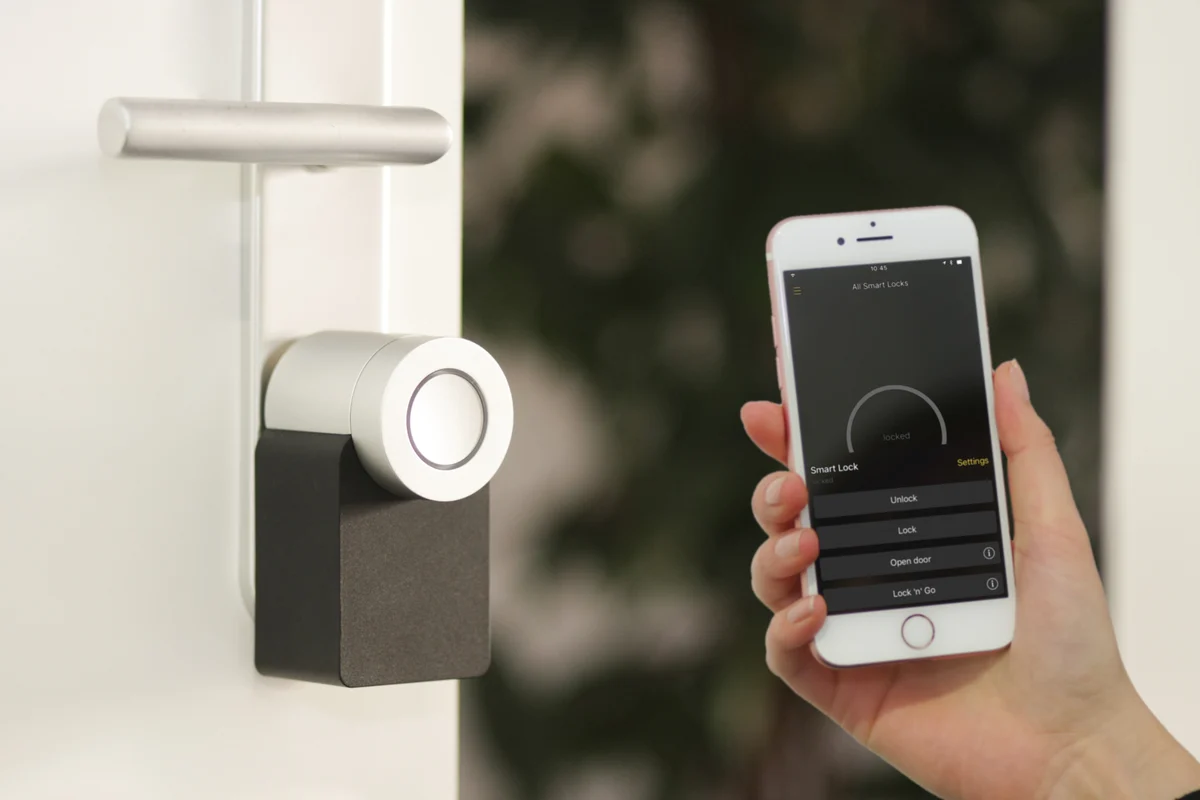
The smart-lock photograph reinforces that physical equipment and authorised access are related but distinct. It is not a procedure for entering a property or transferring an unidentified lock. The useful final outcome is a traceable, authorised handover with each task addressed separately, rather than a blanket assurance that a reset guarantees privacy or that handing over hardware automatically cancels every service.