Plan authorised household access to a smart lock
Review legitimate users, documented permissions and ongoing administration without sharing one owner credential by default.
Updated:
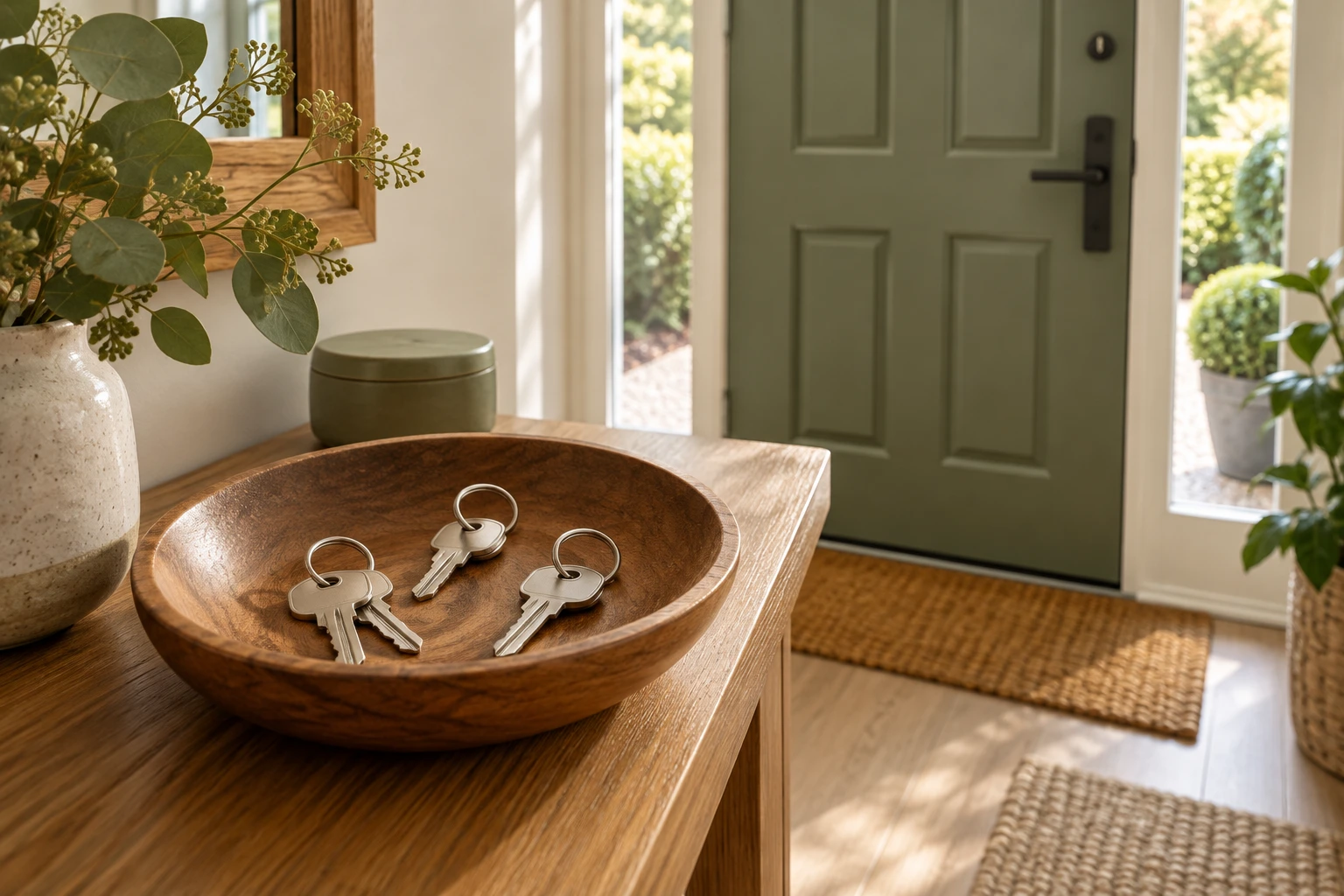
Name the authorised people and their actual needs
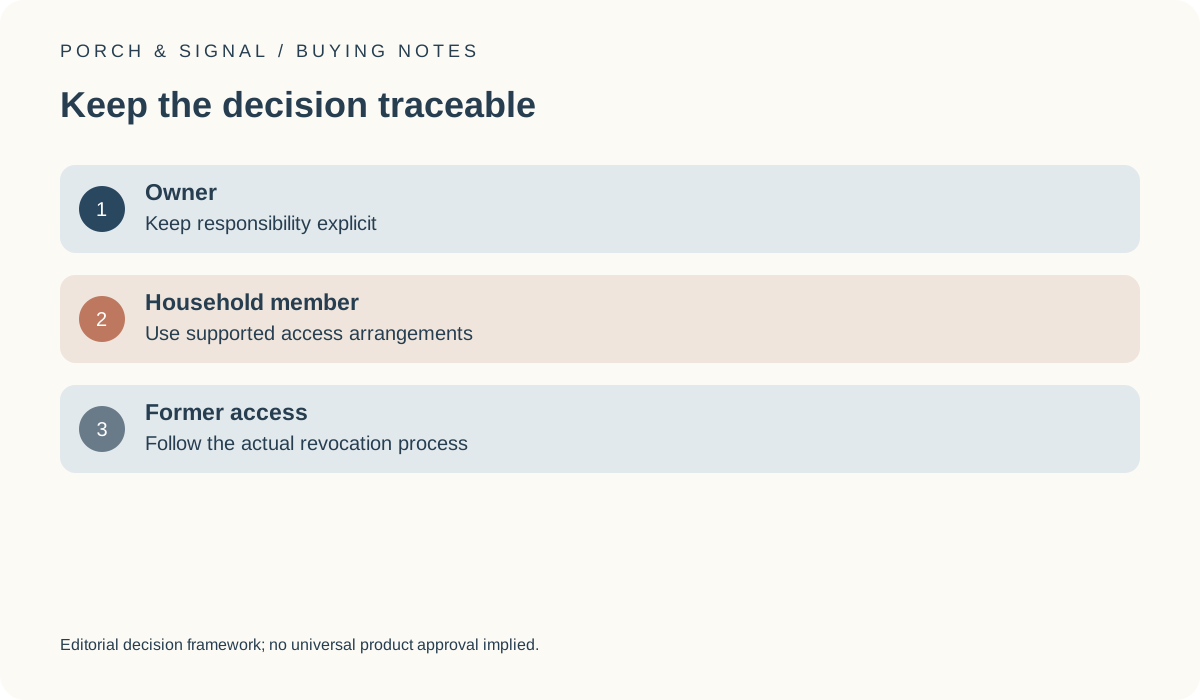
Before buying a connected lock, identify who is legitimately authorised to use the door and what each person needs. A household member, an owner and an occasional authorised visitor can require different arrangements. Review the exact manufacturer’s supported roles or access options instead of assuming that one shared owner login is the simplest answer. Keep the purpose and responsibility for each arrangement explicit.
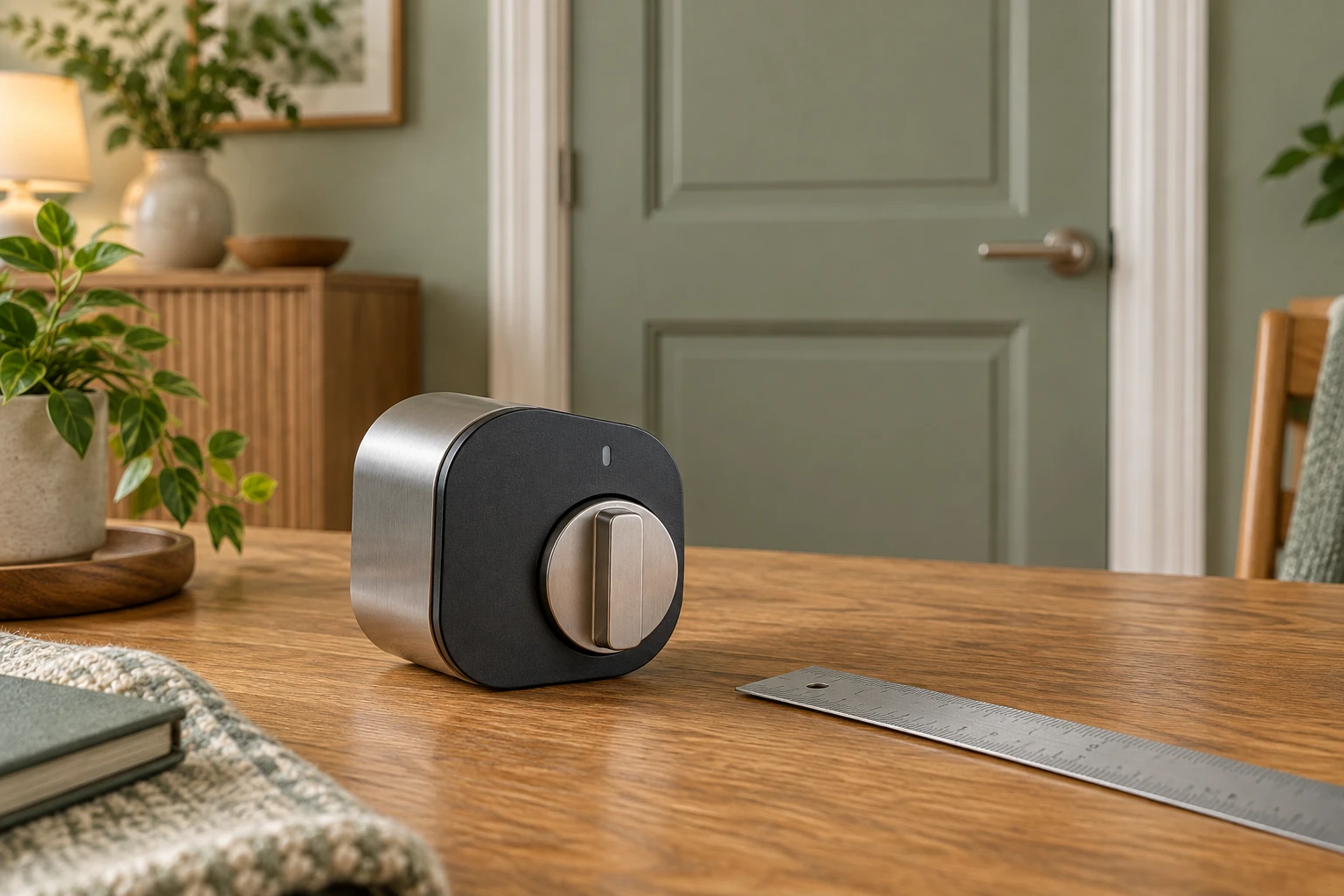
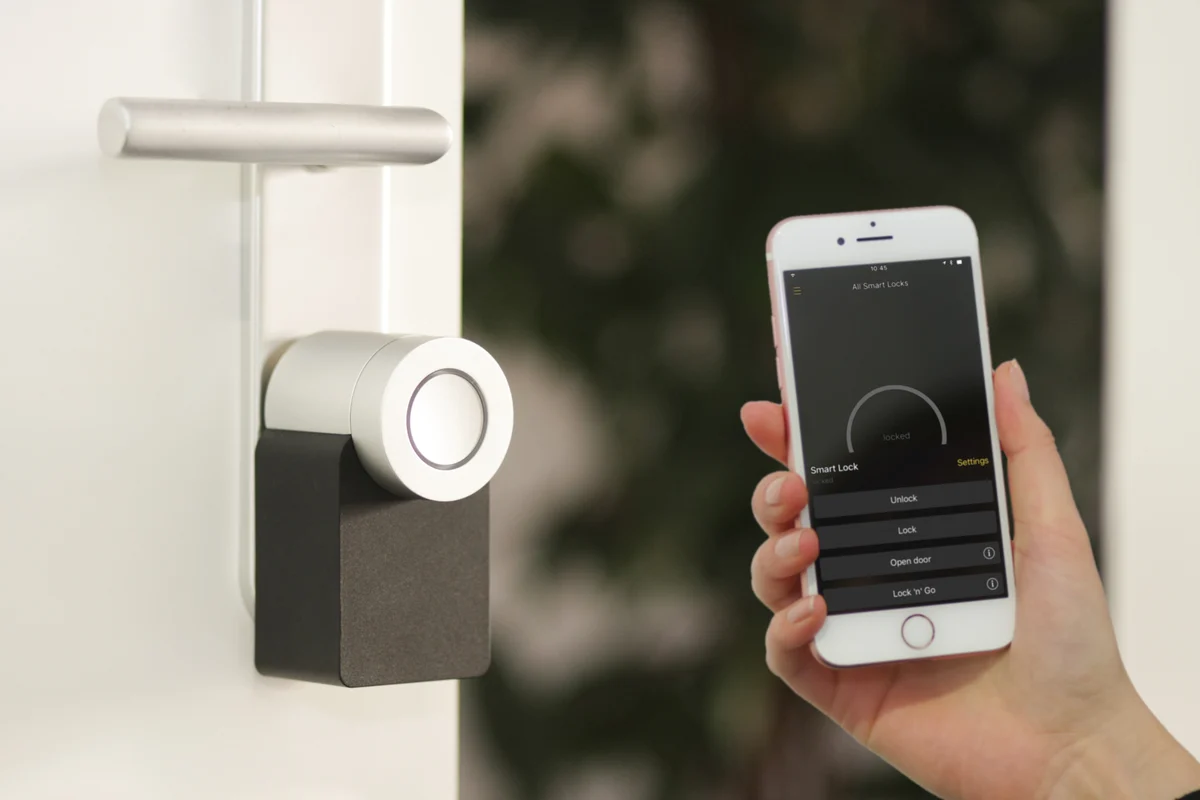
This guide concerns authorised consumer use. It does not provide entry, bypass or credential-sharing instructions. The archival lock photograph shows a physical connected-lock form only. It is not evidence that the candidate supports a particular permission, remote function or household workflow.
Budget some administration rather than pretending there is none
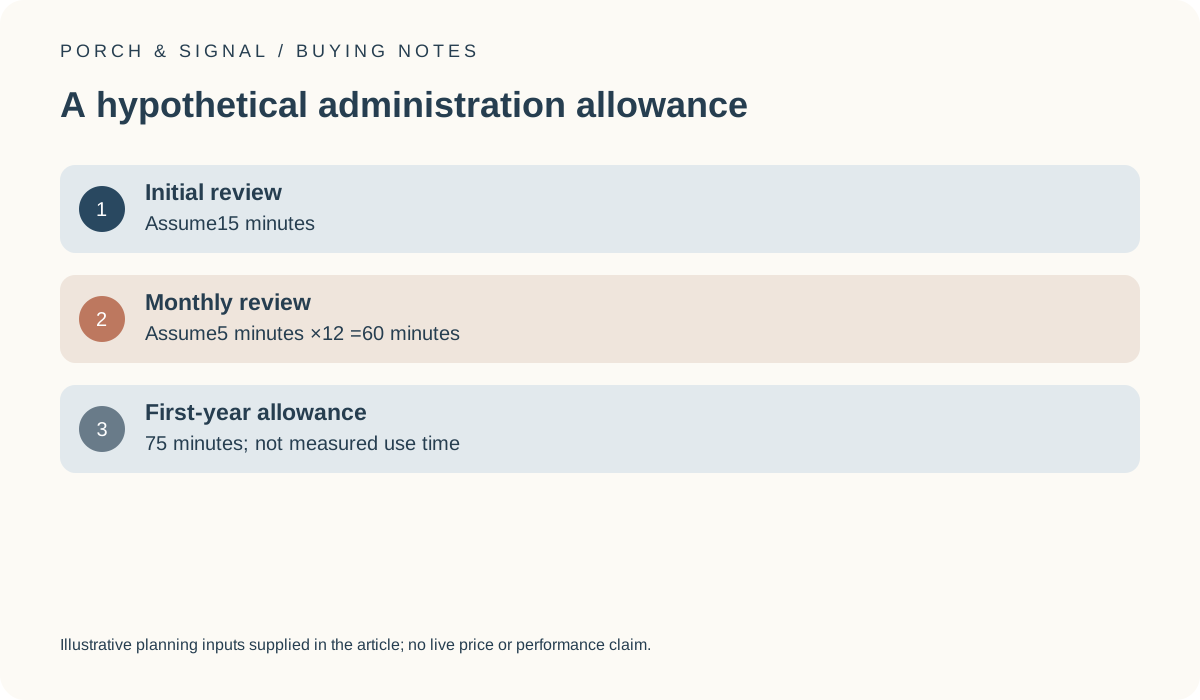
For a hypothetical planning allowance, assume an initial access review takes 15 minutes and a monthly review takes 5 minutes. Across 12 months, the recurring allowance is 60 minutes, giving a first-year total of 75 minutes. These are invented personal time inputs, not a measured setup time or a security standard. A complicated household may require a different routine.
The point is to make ongoing administration visible. A convenient access feature can still require someone to manage changes and retain the relevant records. Our monthly-check tool adds declared time assumptions; it cannot establish that the resulting routine is sufficient for security, privacy or every circumstance.
Keep physical fit and software permissions separate
A lock that supports an appealing account feature still needs to fit the actual door. Yale’s UK Conexis L2 information provides a product-specific compatibility route and describes its own app-related capabilities. Do not generalise those details to every connected lock or assume that another device pictured here shares them. Preserve the exact model and applicable documentation.
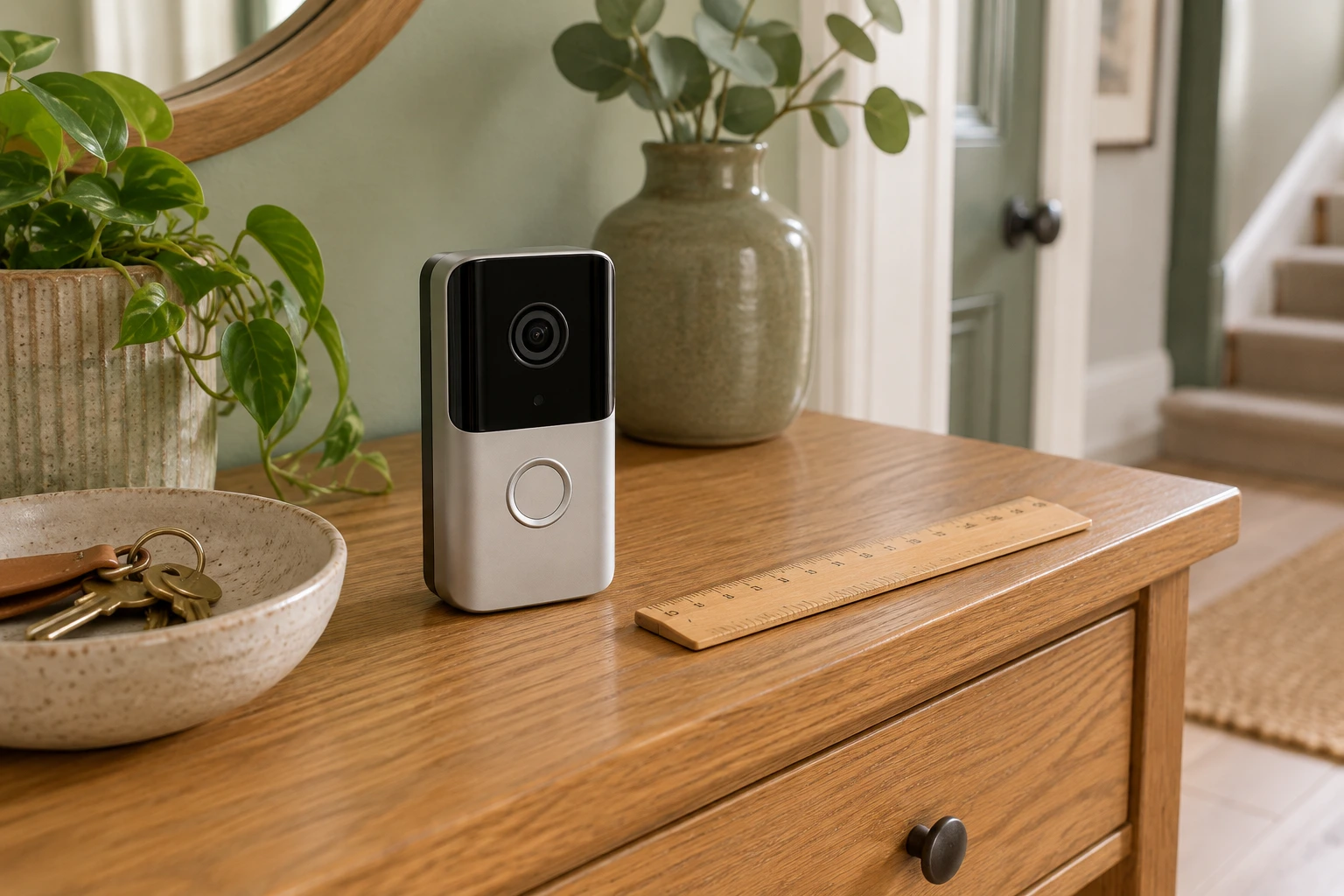
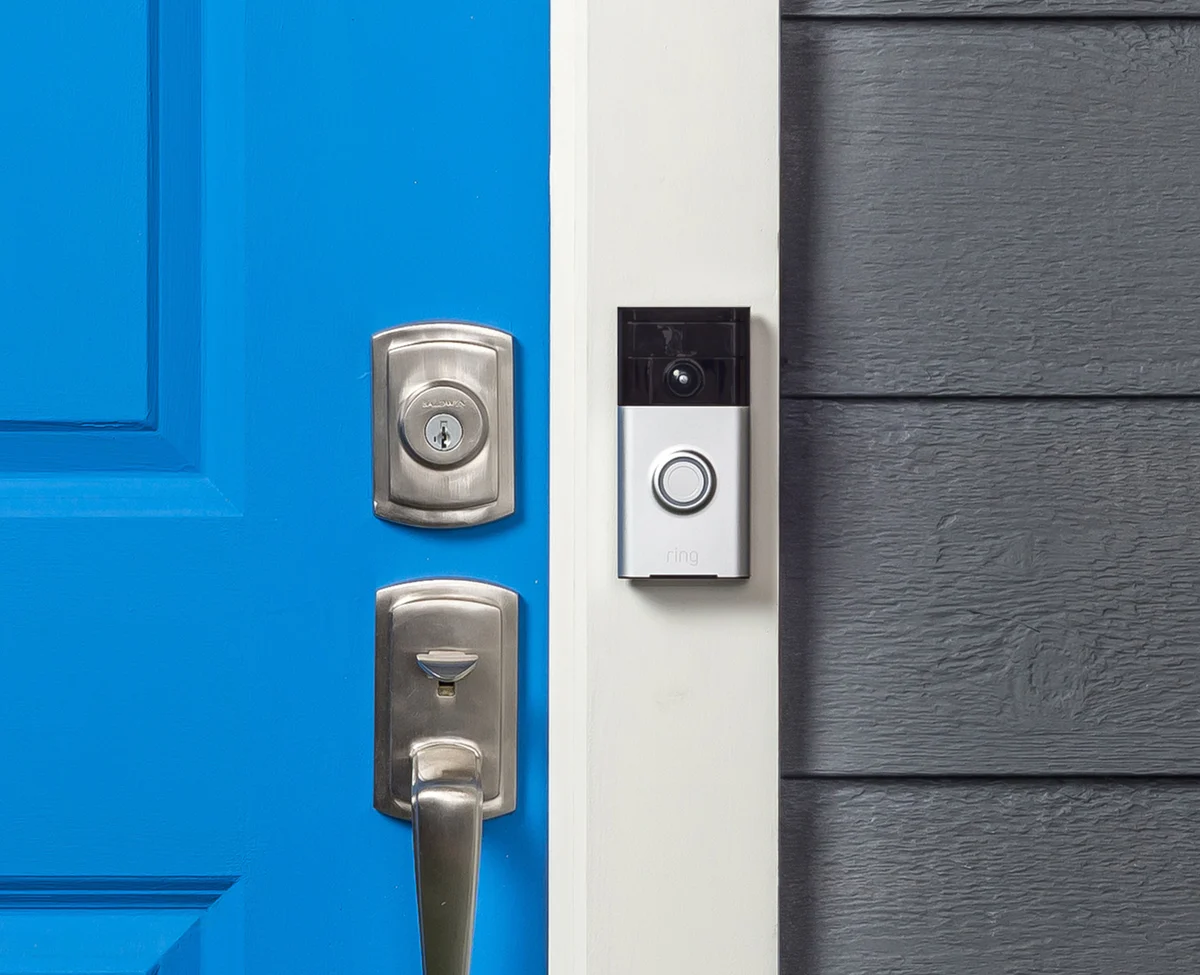
Likewise, physical possession of the lock is not the same as knowing who controls every connected account. Include the supported ownership and permission process in a purchase or handover review. A doorbell installed nearby has a different visitor-facing and recording role, so it should not silently inherit the lock’s access assumptions or permissions.
Yale UK: Conexis L2 and compatibility checker ?
Plan for ordinary changes in household circumstances
Think about moves, replacement phones and changes in who is authorised to enter. Establish where the manufacturer documents reviewing or removing access, and who in the household will take responsibility for that process. Do not publish codes, credentials or private access records in a shared buying worksheet. Record the existence of the process rather than the secrets used to operate the device.
The NCSC smart-device guidance is relevant to account settings and ongoing software care. It is not a certification that any particular set of roles prevents compromise. Keep the model’s actual requirements in charge, and treat unexplained permissions or a missing ownership-transfer process as questions to resolve before relying on the advertised convenience.
UK NCSC: Smart devices in the home ?
Decide whether the documented routine fits the household
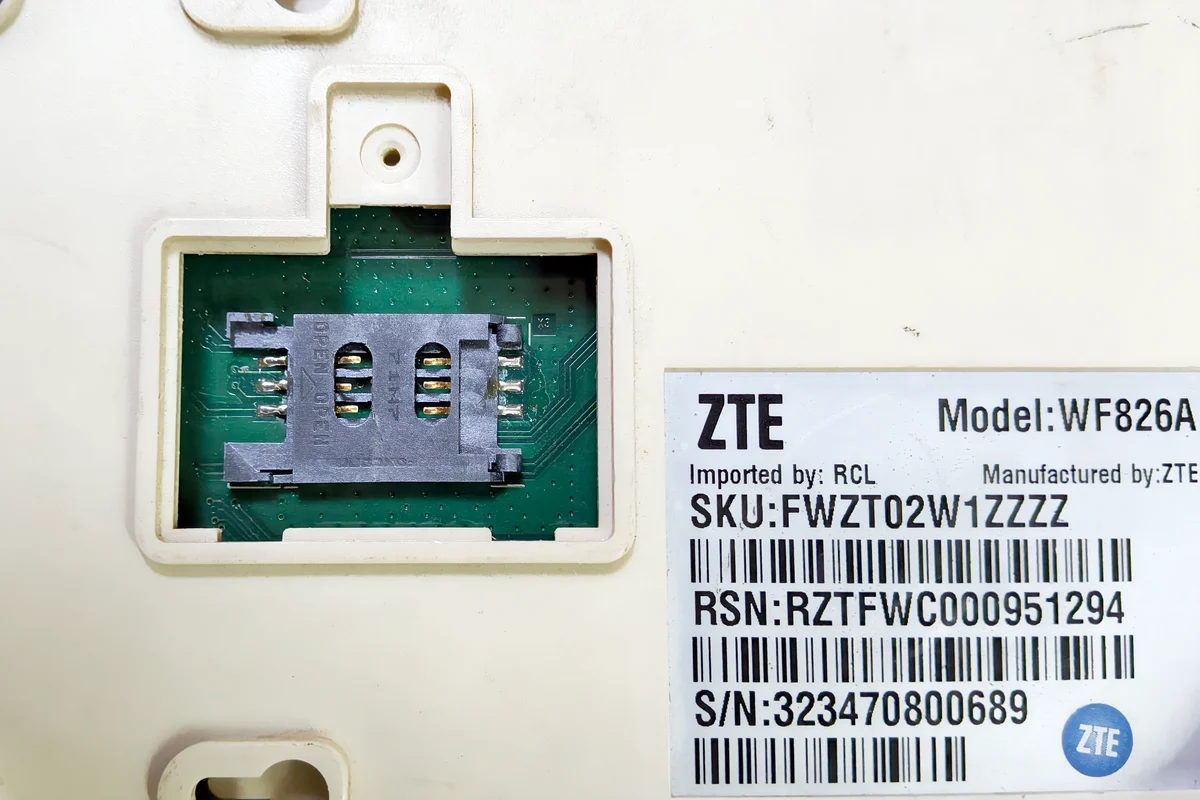
A useful final comparison states the authorised users, the supported arrangements needed and who will manage future changes. Include any phone, network or service dependency. The router photograph illustrates separate equipment; it does not establish that a particular lock supports remote access through it or that a home connection will always be available. Avoid assuming that a connected feature removes every operational dependency.
If an important authorised user cannot use the documented arrangement comfortably, preserve that issue instead of describing the product as suitable for everyone. The buying decision should explain how the actual household can manage the exact lock, without promising guaranteed access, insurance acceptance or a security outcome that has not been tested.